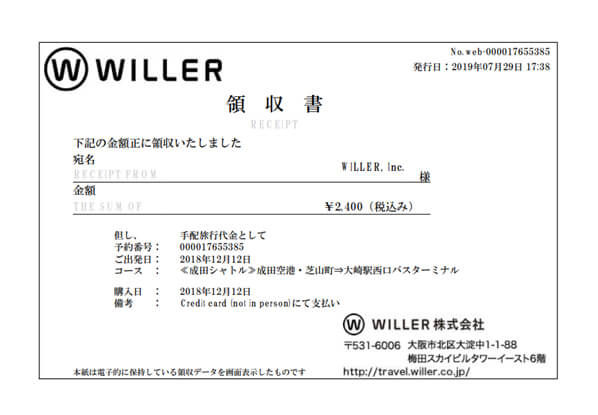
How to download a receipt
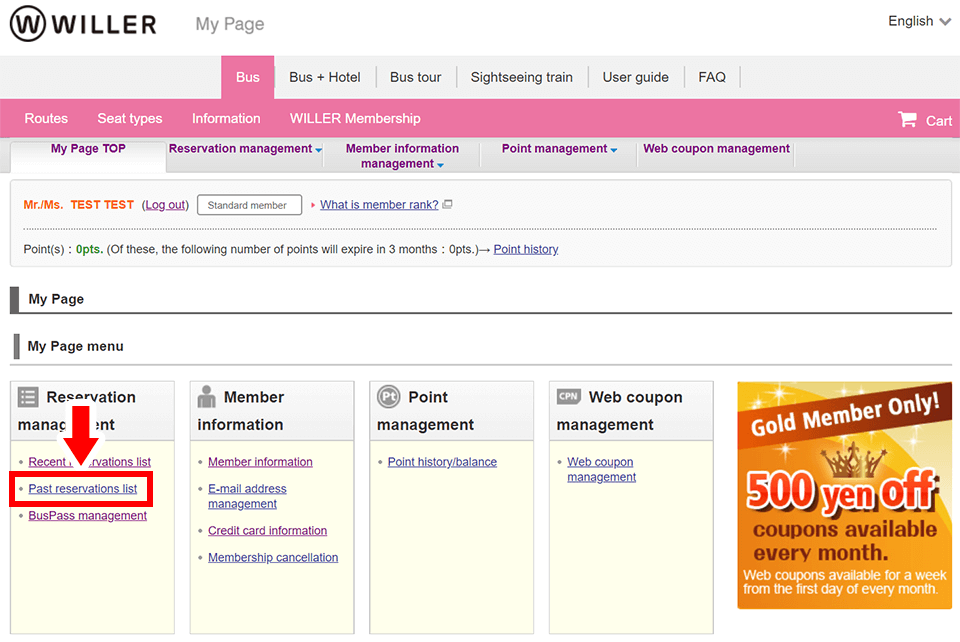
STEP 1
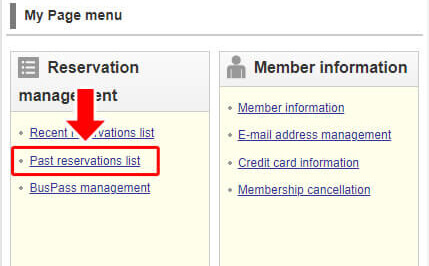
Log in to My Page for WILLER members, log in to the reservation confirmation page for non-members, and click 'Past reservation list'.
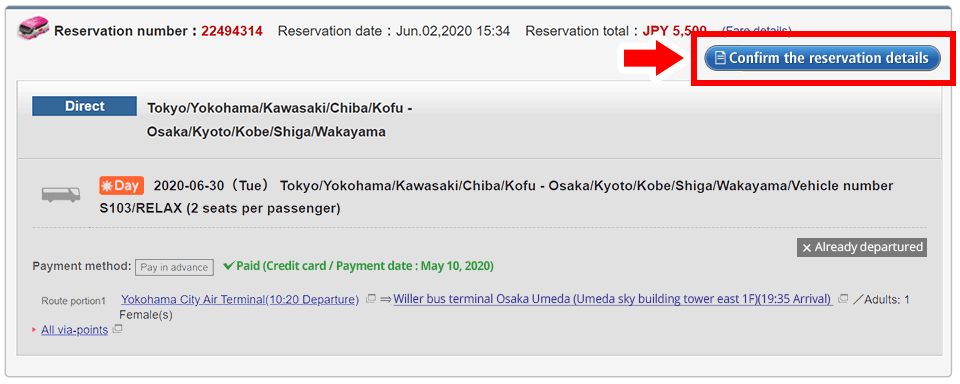
STEP 2
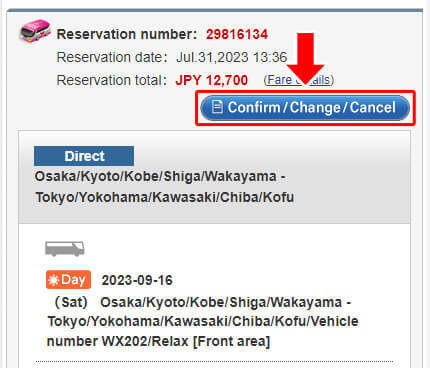
Click the 'Confirm the reservation details' button.
STEP 3
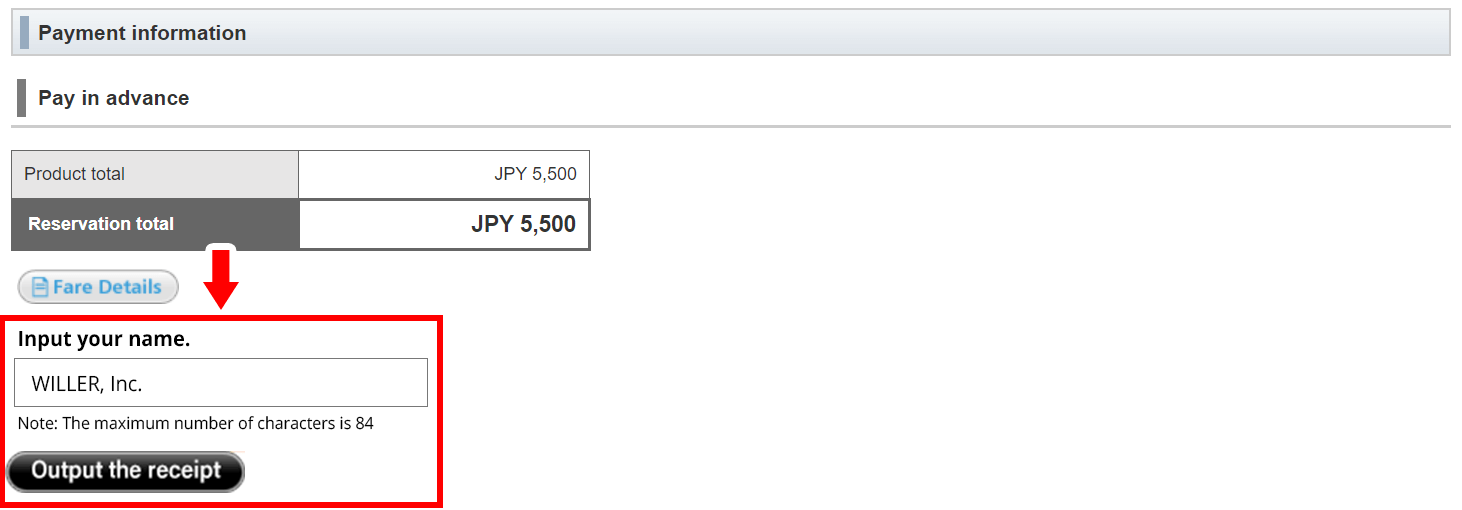
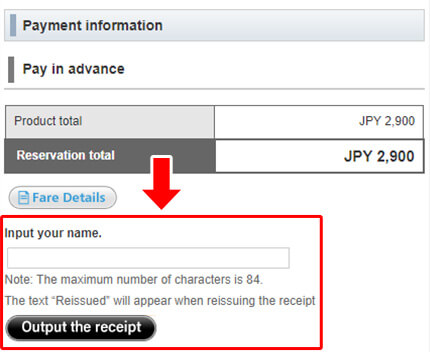
Input your name (or company name), then click 'Output the receipt' button.
STEP 4
Download the receipt.